The presentation design wiki
Give AI-built presentations a real design with slides.md
A curated library of real-world decks, broken down into reusable design systems. Download your md file then rebuild the look in Plus AI in minutes.
- 1Select your slide
- 2Download the .md file
- 3Go to plusai.com to create your presentation
The Gallery
Categories
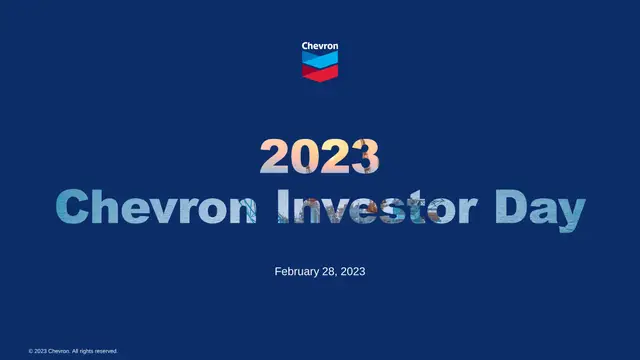
Chevron Investor Day
Chevron · 2023

Caterpillar Investor Day
Caterpillar · 2022

CVS Health Investor Day
CVS Health · 2025

American Express Investor Day
American Express · 2024
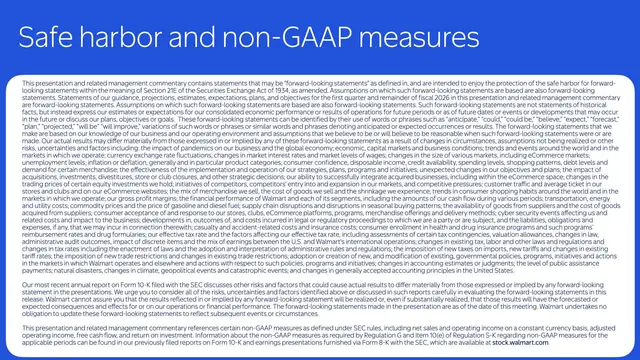
Winning in Retail
Walmart · 2025

Scale and Discipline
JPMorgan Chase · 2025

Leading in Energy
ExxonMobil

One Goldman Sachs
Goldman Sachs · 2023

From Automaker to Platform Innovator
General Motors · 2021
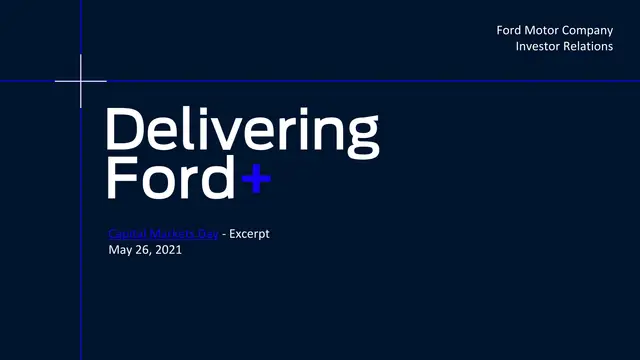
Ford+ Plan
Ford · 2021

Better and Bolder
UPS · 2024

Building a Durable Delta
Delta Air Lines · 2024
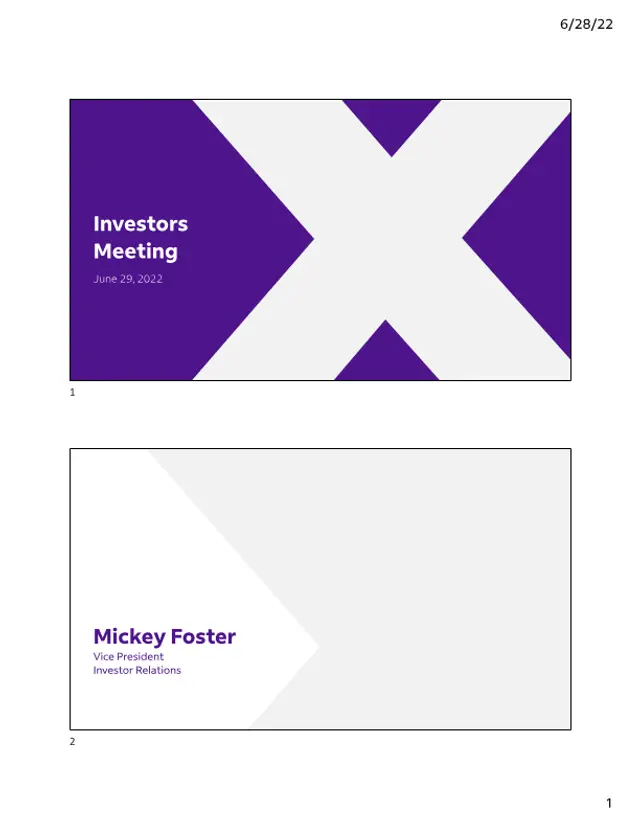
Deliver Today, Innovate Tomorrow
FedEx · 2022
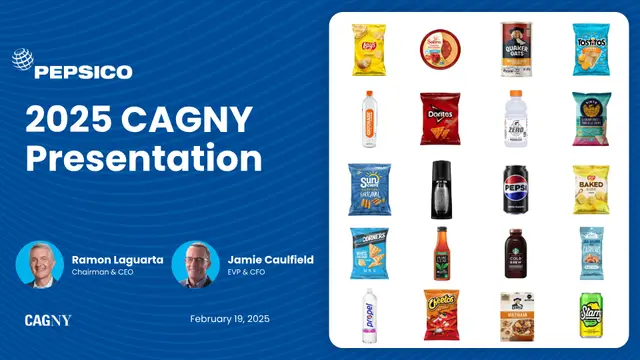
Faster, Stronger, Better
PepsiCo · 2025
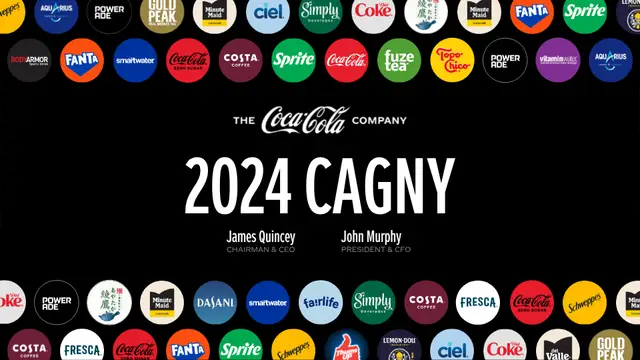
Refreshing the World
Coca-Cola · 2024

Total Home Strategy
Lowe's · 2022

How Doers Get More Done
Home Depot · 2025
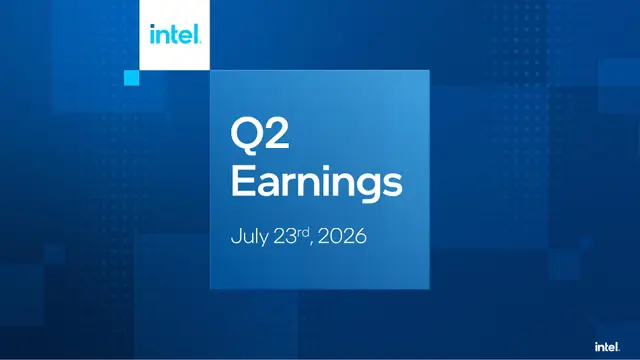
Q2 2026 Earnings
Intel · 2026
Study the design
Every deck is documented: palette, typography, layout, imagery, and chart style.
Download the spec
Grab a thorough Markdown design spec, ready to feed into Plus AI's Image feature.
Build in Plus AI
Generate a new, consistently styled presentation from the spec in one click.
Why Slides.Wiki
Presentation design inspiration from the Fortune 100
Slides.Wiki is a free library of professional presentation design examples pulled from real investor days, analyst meetings, and earnings decks at companies like Walmart, NVIDIA, JPMorgan Chase, and Coca-Cola. Instead of generic PowerPoint templates, you get the actual slide design systems the world's biggest brands use: their exact color palettes, corporate typefaces, slide layouts, chart styles, and imagery guidelines.
Every deck is documented as a downloadable Markdown design spec you can hand to Plus AI to generate a new pitch deck, investor presentation, or sales deck in that visual style, so your next presentation looks like it came from a corporate design team, not a template gallery.
FAQ
Common questions
What is Slides.Wiki?
Slides.Wiki is a curated gallery of real corporate presentation designs. We break down investor decks from Fortune 100 companies into reusable design systems covering colors, fonts, layout, imagery, and chart styles.
How do I make my slides look like these companies?
Open any presentation, review its documented design system, and download the Markdown design spec. Feed that spec into Plus AI to generate a new presentation in the same visual style in minutes.
Are these better than PowerPoint templates?
Templates give you a generic starting point. These are the actual design languages used by companies like NVIDIA, Goldman Sachs, and Delta, documented from their real investor presentations, so your deck inherits a proven, professional identity.
Is Slides.Wiki free to use?
Yes. Browsing the gallery, studying the design breakdowns, viewing the original decks, and downloading design specs are all free.